A new template editor ✨
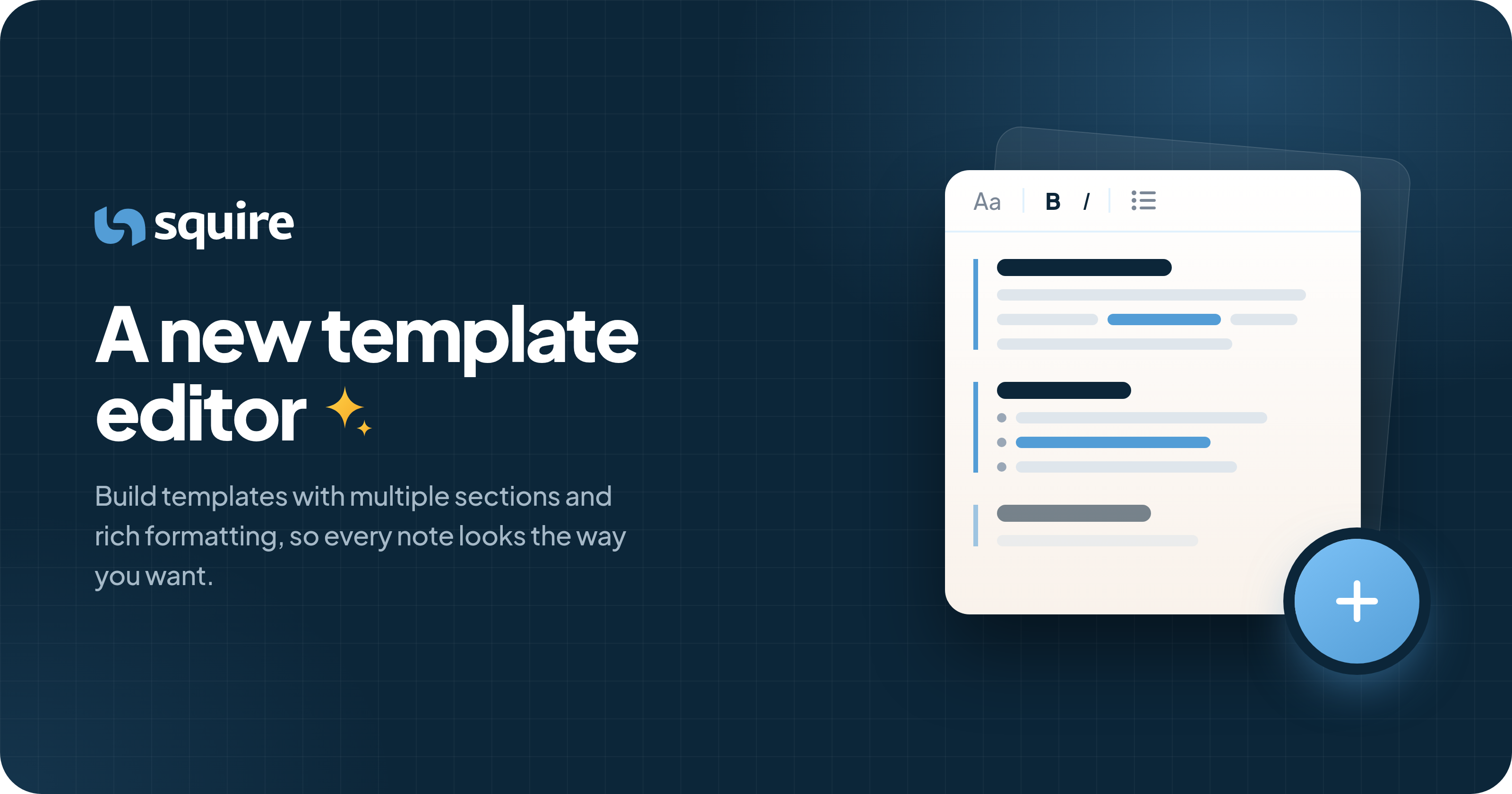
You can now add multiple sections to your templates and format them with headings, bold and italic text, and lists. Squire writes each section separately, so every part of your note gets the attention it deserves.
Within a section, you can still use square brackets for fields Squire should fill in, like [blood pressure reading], and round brackets to guide the writing style, like [pain level] (scale 1–10). Squire keeps your formatting in the note, so it looks exactly the way you designed it.
Come check it out at https://app.squire.eu/templates.
Let us know if you have any feedback!